Google Vault Export Guide Formats, Size Limits and What to Do with Your Files
Everything about exporting data from Google Vault: the formats for every data type, the size limits and what to do with the files afterwards.
- Steps from matter to download
- Formats for every Vault data type
- PST splits at 1 GB and MBOX at 10 GB
- Links last 15 days and exports stop at 24 hours
- Privileges you need before you export
- Facts checked against Google Vault Help
By Shubham Dixit, Data Scientist and Technology Writer | Last checked 5 October 2026
Key Facts
| Topic | What Google Vault does |
|---|---|
| Gmail | PST or MBOX. Convert Gmail exports with the Google Vault Gmail Converter. |
| Chat and Groups | ZIP files that hold PST or MBOX |
| Voice | PST or MBOX for texts and call logs, with voicemail as MP3 files |
| Drive | ZIP files, with Docs as DOCX and Sheets as XLSX |
| Calendar | ICS or PST |
| Gemini | A ZIP file with one XML file for every conversation owner |
| Split sizes | PST splits at 1 GB and MBOX at 10 GB |
| Download links | Stay active for 15 days |
| Simultaneous exports | Up to 20 at one time |
| Long exports | Vault stops an export after 24 hours and gives partial results. See Google Vault Export Errors and Fixes. |
Privileges You Need Before You Export
An export starts from a matter, and your Vault privileges decide what you can do inside it. Google's export page lists three: Manage Matters, Manage Searches and Manage Exports. Your admin assigns them. Google's privileges page adds two rules. Exports need Manage Searches and Manage Exports together. A user also needs one privilege beyond Manage Matters to open a matter.
| Privilege | What Google says it allows |
|---|---|
| Manage Matters | Create matters and share them with other users. Close, reopen and modify matters. Delete and restore matters. |
| Manage Searches | Search data and count results. View the contents of messages and files that a search returns. |
| Manage Exports | View and download exports. Delete all exports. |
If Vault shows an access message instead of your export, open Google Vault Export Errors and Fixes. The Vault API asks for the same privileges. The account needs the Manage Searches and Manage Exports privileges and access to the matter. Access means you created the matter, someone shared it with you or you hold the View All Matters privilege.
How to Export from Google Vault Step by Step
The steps follow Google's export page. Menu names move from time to time, so check them against your own Vault screen.
Sign in and open the matter
Go to vault.google.com and open the matter that holds your search. A matter is the workspace for queries and exports. Create one first if you have none.
Search the data
Choose the service and accounts, add search terms and run the search. Click a row to preview a matching item. For Gmail and Groups the Count button reports the number of results faster than a full search.
Select Export and name it
Select Export on the results and enter a descriptive name. Leave out these characters: ~ ! $ ' ( ) , ; @ : / ?. Google says they can stop you from downloading the export.
Set the region and format
Select a data region when your organization policy offers one. For Gmail, Groups and Chat choose PST or MBOX for the message files.
Enable the options you need
Gmail offers Include Gmail confidential mode messages and Export linked Drive files. Drive lets you include access level information for accounts with indirect access to Drive items.
Wait for the green check, then download
Open Exports and watch the Status column. A green check means the export is ready. Select Download. Vault deletes the files 15 days after you start the export.
Files arrive as zip archives. PST and MBOX files move into numbered zips when they pass the size limits below.
What to Know for Every Service
The Key Facts table above shows the formats. This table shows how every service behaves when you search and export it.
| Service | Behavior to plan for |
|---|---|
| Gmail | You choose PST or MBOX and decide on confidential mode messages and linked Drive files. Metadata CSV and XML files list the sender, recipients, subject, dates and labels. |
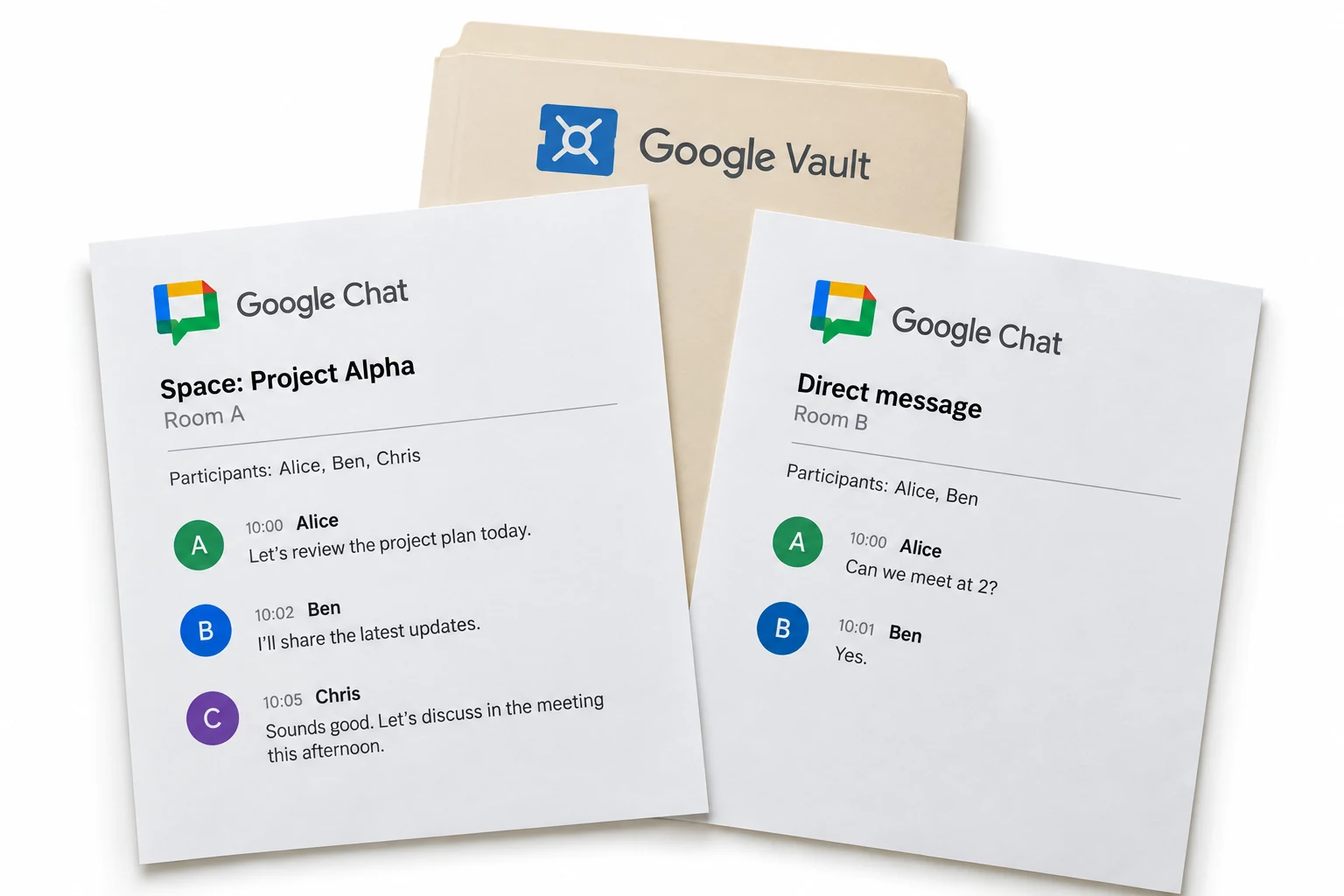
| Chat | Messages are grouped by conversation, thread or space. The newest matching conversation comes first and messages inside it run oldest to newest. Vault groups overlapping context windows so messages do not repeat. |
| Drive | Vault reads text inside Word, Excel, PowerPoint, PDF, HTML, TXT and RTF files. Video, audio, image and binary files do not match a search term. Forms export as ZIP files. |
| Calendar | Events export as a full series. The metadata CSV links events to accounts. |
| Gemini | Vault adds prompts and responses from 12 hours either side of a match. No separate metadata file exists. A result counts CSV gives the numbers. |
| Voice | Text conversations go into PST or MBOX files. Voicemail comes as MP3 audio with transcripts. Call transcripts and notes come with it when Note Taking is on. |
Size Limits, Splits and Timing
| Limit | Figure | What it means for you |
|---|---|---|
| PST file | 1 GB before zipping | A bigger mailbox arrives as numbered zip archives |
| MBOX file | 10 GB before zipping | Same rule at a larger size |
| Drive file set | 10 GB per compressed file | Vault makes more files when it needs them |
| Running exports | 20 across your organization | Wait for a slot before you start another |
| Download window | 15 days from the start | Vault then deletes the files |
| Run time | 24 hours | Vault stops and returns partial results with a CSV of unfinished accounts |
Google also says Vault is not a backup or archive tool, and it prepares exports for legal discovery rather than quick data processing. Plan big sets as a queue of smaller jobs.
Split a Large Export So It Finishes
Google's Vault API guide gives one tip for large jobs: split them by time period or include fewer users and spaces in every export. Build on that tip.
- Run one export for every group of accounts. Name them in a pattern, like Legal-2025-Q1-GroupA.
- Add a date range to the search so every export covers one period.
- For Gmail and Groups, check the Count before you export. Compare it with the result counts file when the export ends.
- Keep running exports at 20 or fewer.
- If Vault stops at 24 hours, use Continue export instead of starting over. Steps are in Google Vault Export Errors and Fixes.
Multi-Party Approval for Exports
Google announced multi-party approval for Vault in December 2025. The setting is off by default. When a super admin enables it, a new export waits in a pending state. A second admin must approve it before Vault starts processing, and Google emails a second delegated Vault admin about the request. Exports started with the Vault API skip this step.
Approvers are super admins or delegated admins with the multi-party approval role, and they approve in the Admin console. Your organization needs two or more super admin accounts. Google lists the feature for Enterprise Standard and Plus, Enterprise Essentials Plus and Education Standard and Plus. Approve early, because Google's own pages do not agree on how long an open request stays alive.
Export with the Vault API
Admins who script their work can use the Vault API. Its export methods are matters.exports.create, matters.exports.get, matters.exports.list and matters.exports.delete. The account needs the Manage Searches and Manage Exports privileges and access to the matter. Access means you created the matter, someone shared it with you or you hold the View All Matters privilege.
The API guide repeats the 20 running exports and 15 days limits. Google stores finished files in Google Cloud Storage buckets, and the export record lists the bucket and the object paths. Gmail options include the export format, confidential mode content and draft exclusion. Drive exports can include access information, and a search can cover shared drives. Meet recordings export as Drive items, so search for them by the Meet recording filename pattern.
What to Do with the Files
Download every part before day 15 and copy the zips to storage you control. Keep the original files unchanged and work on copies. Google adds MD5 hash values for the files, so you can check a copy against the export.
To read the files, open How to Open a Google Vault Export. To convert mail to Outlook files, use the Google Vault to PST Converter. For readable pages, use the Google Vault to PDF Converter. For EML, MSG and the other mail formats, use the Google Vault Gmail Converter. To plan a move to Microsoft 365, open the Google Vault Migration Guide.
Sources: Google Vault Help on exporting data, export file contents, privileges, the search and export workflow and the Vault FAQ. Google Workspace Updates on multi-party approval. Google for Developers on Vault API exports. Last checked 5 October 2026.
Google Vault Gmail Converter
Convert your finished Gmail export into PST, EML, PDF and five more formats.
How to Open a Google Vault Export
Already exported? Move on to opening and converting the files.
Open the guideFrequently Asked Questions
How long do Vault export links last?
Download links stay active for 15 days. Download every part early and keep your own copy.
How many exports can run at once?
Vault allows up to 20 simultaneous exports.
What privileges do I need to export from Google Vault?
You need the Manage Searches and Manage Exports privileges and access to the matter.
Which Drive files become PDF in a Vault export?
Drawings and Sites export as PDF. Docs arrive as DOCX, Sheets as XLSX, Slides as PPTX and Vids as MP4.
Which file formats does Google Vault export?
Gmail exports as PST or MBOX. Chat and Groups export as ZIP files that hold PST or MBOX. Drive exports as ZIP and Calendar as ICS or PST. Voice exports as PST or MBOX with MP3 voicemail. Gemini exports as a ZIP file with one XML file for every conversation owner.
How big is a Google Vault export file before it splits?
A PST file holds up to 1 GB and an MBOX file up to 10 GB per account. A larger mailbox arrives as several parts.
What can I name a Vault export?
Use a descriptive name without special characters. Google says characters like ~ ! $ ' ( ) , ; @ : / ? can stop you from downloading the export. Letters, numbers and hyphens are safe choices.
Can I preview results before I export?
Yes. Click a row in the results to preview a matching item. For Gmail and Groups the Count button shows the number of results faster than a full search.
Can I export from Google Vault with the API?
Yes. The Vault API creates, lists, gets and deletes exports. You need the Manage Searches and Manage Exports privileges and access to the matter, because you created it, someone shared it with you or you hold View All Matters. Finished files go to Google Cloud Storage.
What does multi-party approval do to an export?
With the setting on, a new export waits in a pending state until a second admin approves it. Google emails a second delegated Vault admin. The setting is off by default and needs two or more super admins.
Does a Vault export include deleted messages?
Yes, when a hold or retention rule kept them. Google says data under a retention rule or hold stays available to Vault users after the user deletes it. Search it like any other mail.
Which Google Workspace editions include Vault?
Google lists Business Plus, Enterprise Standard and Plus, Enterprise Essentials and Essentials Plus on domain-verified accounts, Frontline Standard and Plus and the Education editions. It sells an add-on license for other compatible editions. Check Google's current list before you plan.
Key Takeaways
- Exports need Manage Searches and Manage Exports.
- Name exports without special characters.
- Export links stay active for 15 days after the start.
- Vault runs up to 20 exports at one time.
- Split big jobs by account group or date range before the 24-hour stop.
- PST files split at 1 GB and MBOX files at 10 GB.
- Multi-party approval adds a second admin step when it is on.
- The API shares the 20 running exports and 15-day limits, and it skips multi-party approval.
Shubham Dixit
Shubham Dixit is a Data Scientist and Technology Writer and a Subject Matter Expert at Hostvik. He writes about email solutions, backup technologies and digital forensics. He wrote this guide to help admins download a Vault export without losing files.
Keep Exploring
How to Open a Google Vault Export
Learn which program opens MBOX, PST and ZIP files.
Open the pageGoogle Vault Migration Guide
Plan the move of Vault data into Outlook and Microsoft 365.
Open the pageGoogle Vault eDiscovery and Compliance
Chain of custody, metadata XML and PDF review sets.
Open the pageGoogle Vault Export Errors and Fixes
Fix partial results, expired links and failed downloads.
Open the pageGoogle Vault to PST Converter
Convert Vault MBOX and PST exports into clean Outlook PST files.
Open the pageGoogle Vault to PDF Converter
Convert Vault data to readable PDF sets for review and records.
Open the pageTry Vault Converter on Your Own Export
The free trial converts the first 10 messages of every MBOX file. No card needed.