1
Export From Google Vault
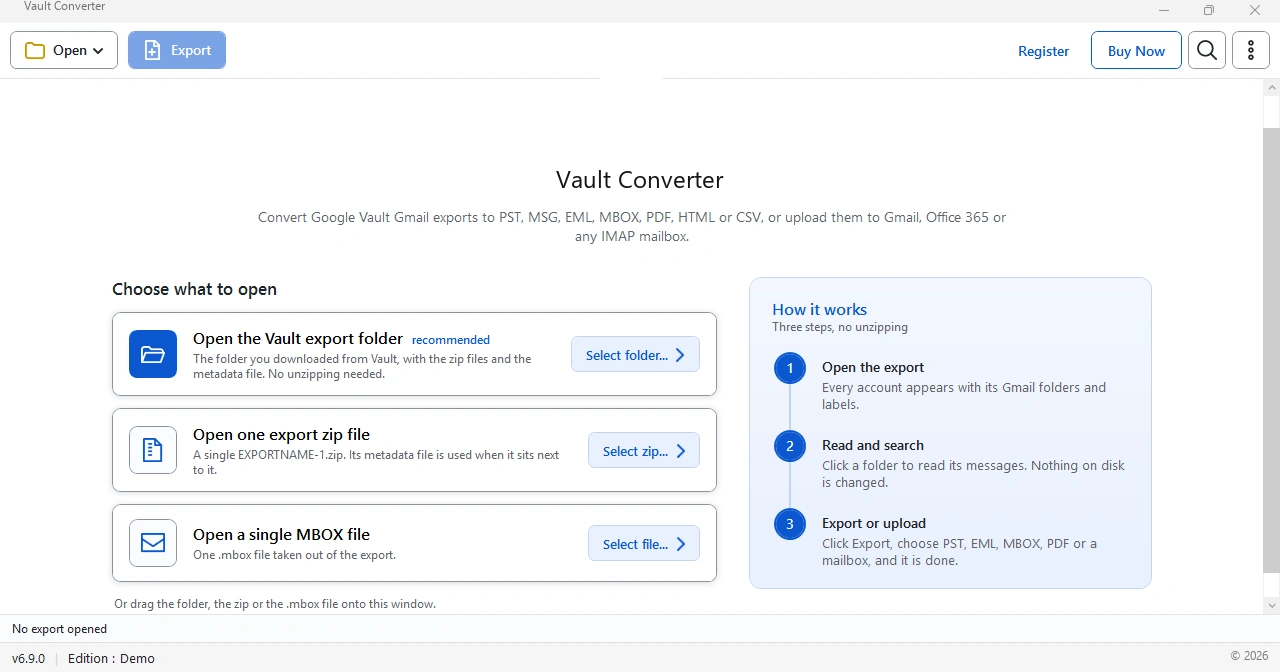
Create the export in Google Vault, which is part of Google Workspace. Download every part. Keep all parts and the metadata XML in one folder. See the Google Vault Export Guide for every data type.
- Vault removes export files 15 days after the export begins, so download early.
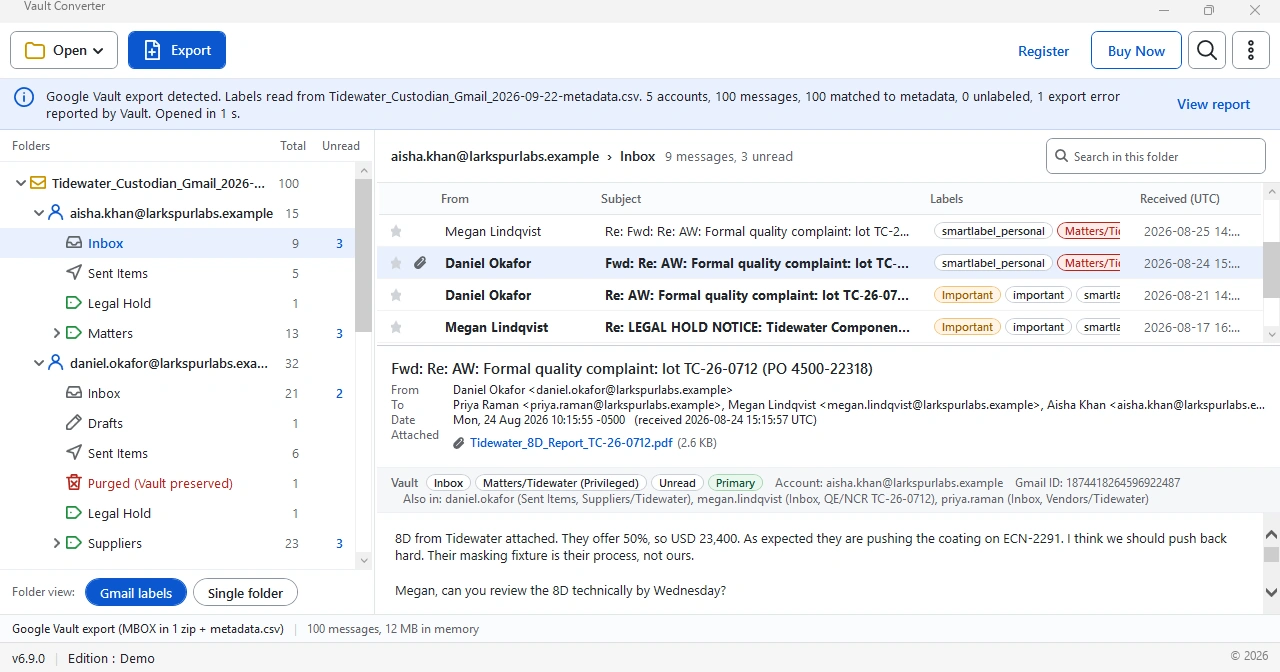
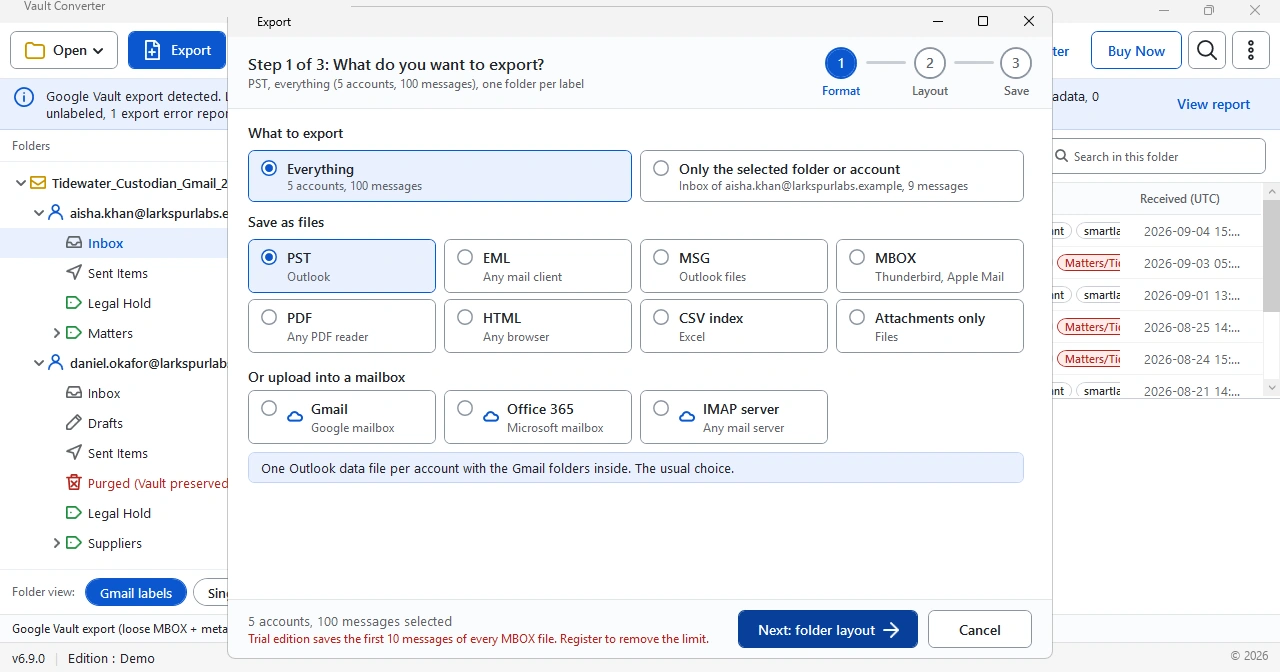
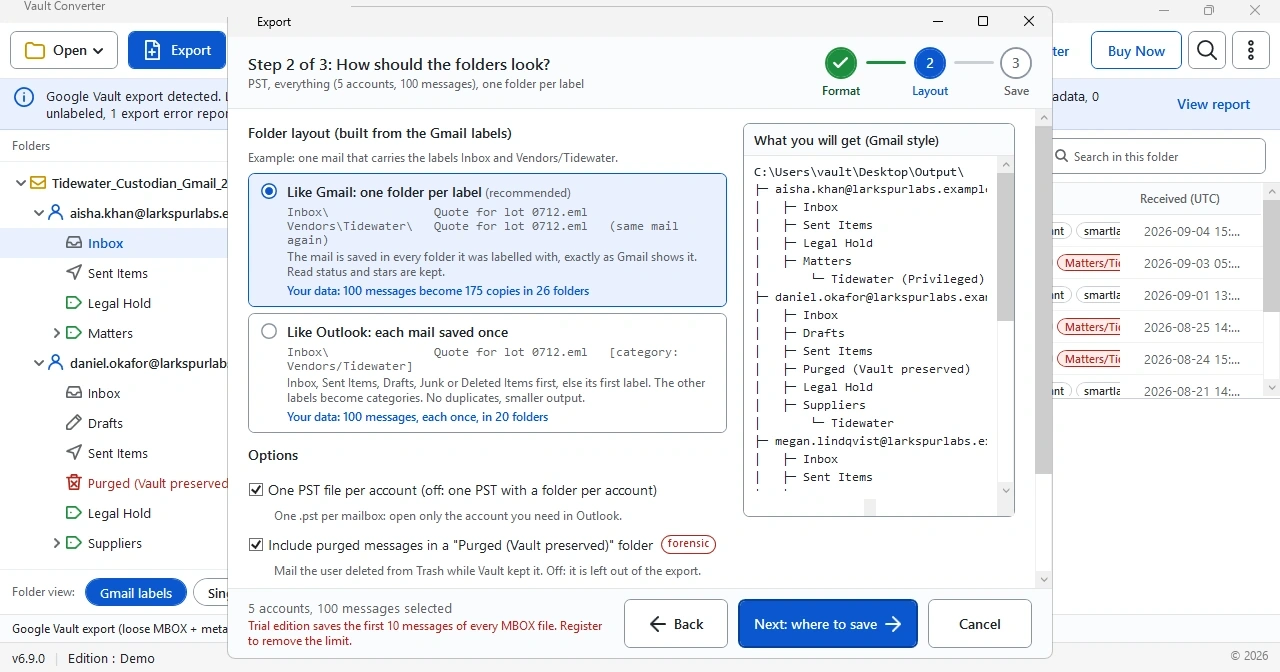
- Leave the zip files as they are. Vault Converter reads them without unzipping.
- If Vault shows partial results or an expired link, open Google Vault Export Errors and Fixes.
- EXPORTNAME-1.zipExport part. Download every part Vault gives you.
- EXPORTNAME-metadata.xmlMetadata file. Keep it next to the zip files.
- EXPORTNAME-metadata.csvGmail exports also include this file. It holds the labels.
EXPORTNAME stands for the name you gave the export in Vault.